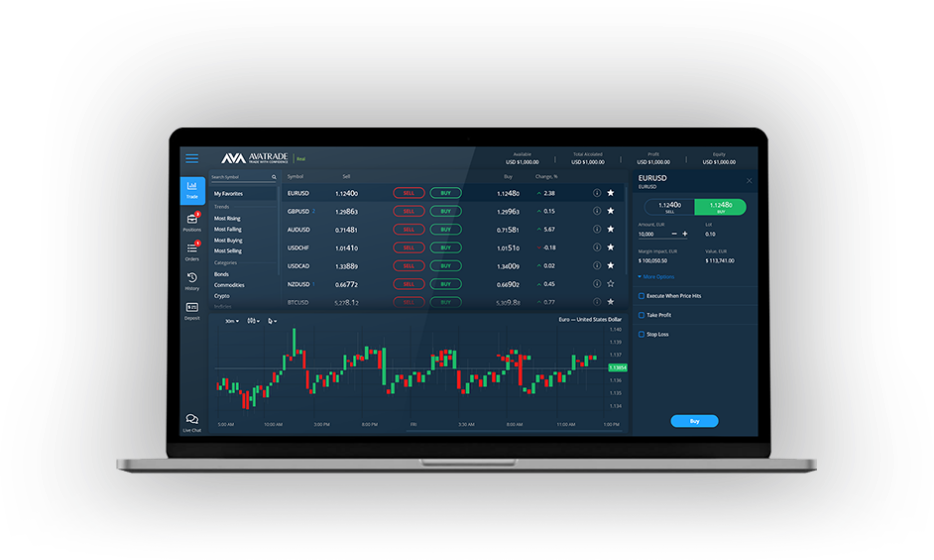
Metatrader 4 (MT4) remains a go-to platform for traders globally due to its powerful capabilities and user-friendly interface. However, like any other technology, users occasionally encounter issues that disrupt their trading experience. Whether you’re facing connectivity problems, incorrect chart displays, or challenges with trade execution, we’ll guide you through common Metatrader 4 issues and how to fix them.
Connectivity Problems
One of the most common issues traders face is losing connection to the server. This can result from several causes, such as poor internet connectivity or incorrect server settings.
How to solve it:
• Ensure your internet connection is stable. Consider switching to a more reliable connection.
• Double-check your server details under the login settings to ensure you’re connected to the right server.
• If the problem persists, restarting MT4 or even your computer can help resolve temporary glitches.
Charts Not Updating
Charts are essential for traders to analyze market movements, but sometimes they may freeze or fail to refresh properly.
How to solve it:
• Right-click on the chart and select “Refresh” to manually update the data.
• Check if the time frame selected is too high, as this can slow refresh rates.
• Verify that your internet connection is stable. Persistent issues may require reinstalling the MT4 platform.
Missing Trade Buttons
Some users encounter a problem where the buy and sell buttons disappear or the trade execution box fails to load. This understandably causes frustration, especially during volatile market conditions.
How to solve it:
• Press “CTRL + T” to reopen the terminal and ensure the trade window is active.
• If buttons are still missing, check your installed indicators or expert advisors as they might interfere with the interface.
Indicator or EA Malfunction
Traders extensively use indicators and expert advisors (EAs) to automate trades or enhance insights. However, technical hiccups can cause them to behave abnormally.
How to solve it:
• Check if the indicator or EA is compatible with your MT4 version.
• Look for any errors in the journal or Experts tab to pinpoint the problem.
• Try reinstalling the specific tool and ensure it is properly configured.
Final Thoughts
Encountering issues in MT4 can be frustrating, but most problems can be resolved quickly with the right troubleshooting steps. Regularly updating the platform and maintaining a stable internet connection are key to ensuring smooth operations. Always back up your data and settings to save time in case a reinstall is needed. With these tips, you can keep trading uninterrupted and stay focused on your financial goals.